
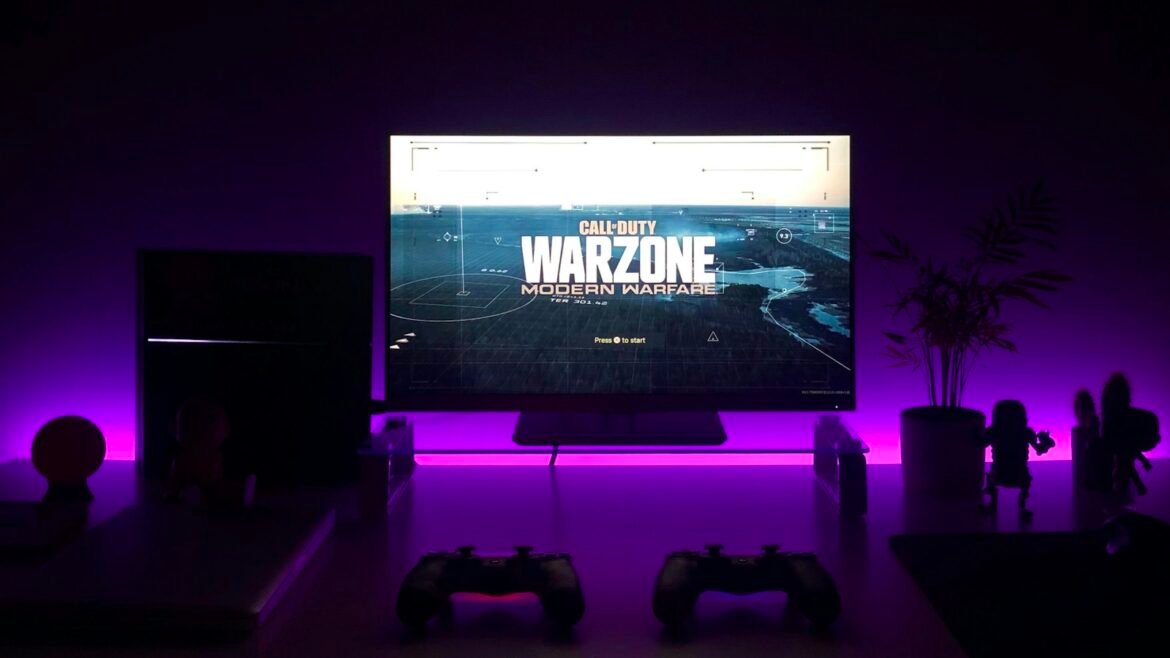
A long Wardogs session, a four-hour stream, a night with the team: comfort always ends up being the limiting factor. A well-adjusted gaming setup often costs nothing extra, just a little attention.
The screen in the right place
The top of the screen should be roughly at eye level, about an arm’s length away. Too low and you hunch; too close and your eyes tire quickly. If you have two screens, put the game screen straight ahead and the second one (chat, Discord) slightly to the side.
Chair and desk
Feet flat, knees at a right angle, forearms resting on the desk without raising your shoulders. A height-adjustable chair matters more than its looks. If your desk is too high, a footrest often solves the problem.
Sound
A light headset that doesn’t squeeze your head can be worn for hours. Keep the volume reasonable: in a tactical FPS like Wardogs, you hear footsteps better with moderate volume and good settings than with the sound cranked up. If you stream, think about the mic: our beginner streaming setup guide explains where to put it.
Lighting
Playing in total darkness tires your eyes because of the contrast with the screen. A soft light behind the screen or to the side is enough. If you have a webcam, a light facing you also improves your picture on stream.
Breaks
Every hour, a few minutes standing, looking into the distance, drinking water. On stream, it’s the perfect moment to switch to a “Break” scene: with G4 Studio, one click and your viewers see a clean screen while you catch your breath.
A setup that looks like you
Once comfort is sorted, it’s time for style. A tidy desk, a few ambient lights, and why not your team’s colours: G4melab merch is coming soon to the shop.