
On Twitch, viewers rarely discover a channel by landing on a random stream. They discover it through a clip: a play shared on social media, a short, a funny moment sent by a friend. Your streams are a goldmine of content — you just have to use it.
Spot moments during the stream
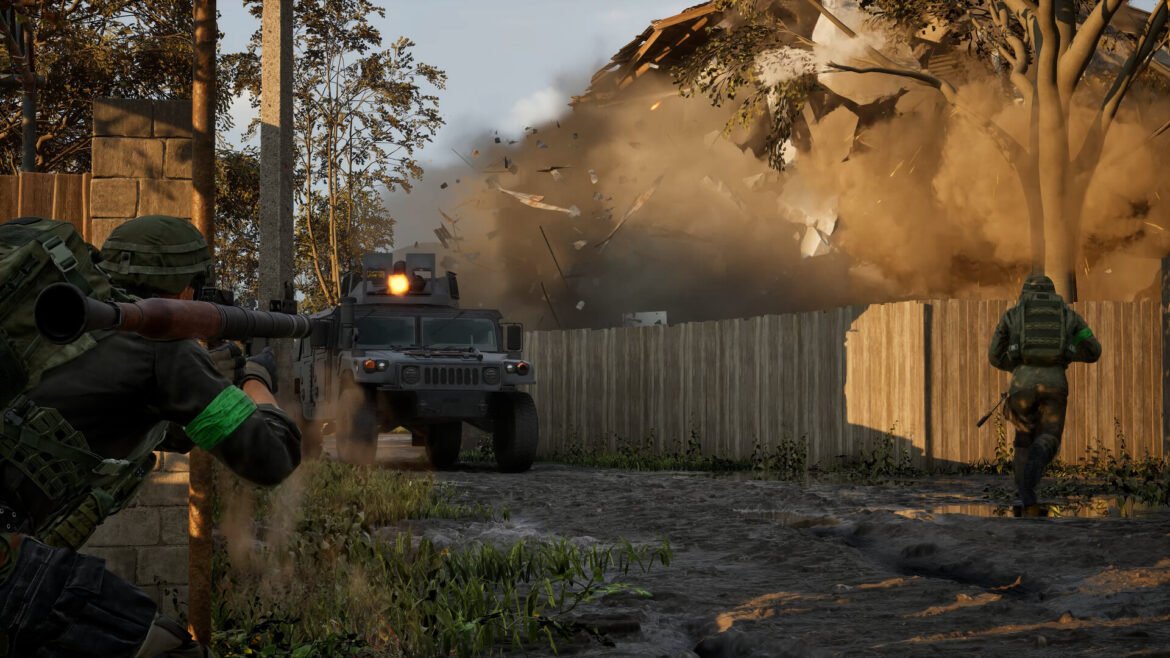
The hardest part is finding the good bits in three hours of VOD. The habit to build: mark the moment as it happens. With G4 Studio, one key (F9) saves the last seconds to your library without interrupting the stream. On G4melab’s Wardogs server, kills are even clipped automatically.
Invite your chat to clip too: a viewer who creates a clip is a viewer who will share it.
What makes a good clip
- Short: 15 to 45 seconds for social media.
- Understandable without context: someone who knows neither you nor the game should get what’s happening.
- A reaction: your voice, your laugh, your surprise. That’s what sets your clip apart from a plain game capture.
Where to publish
Short vertical formats (YouTube Shorts, TikTok, Instagram Reels) are today the best showcase for a small channel. Longer compilations have their place on YouTube. Clips can also live on your g4melab.fr player profile, visible to the whole community on the G4 players page.
A simple rhythm
No need to post every day. After each stream, keep two or three moments and post them during the week. That’s enough for your channel to keep existing between streams, and to bring viewers back to the next one.
Always point back to the stream
Every clip should say where to find you: your username, your times, your schedule. That’s the link between the content and your community. To structure the rest of your channel, read our guide to becoming a Twitch streamer, and to record easily, recording your best gaming moments on PC.