
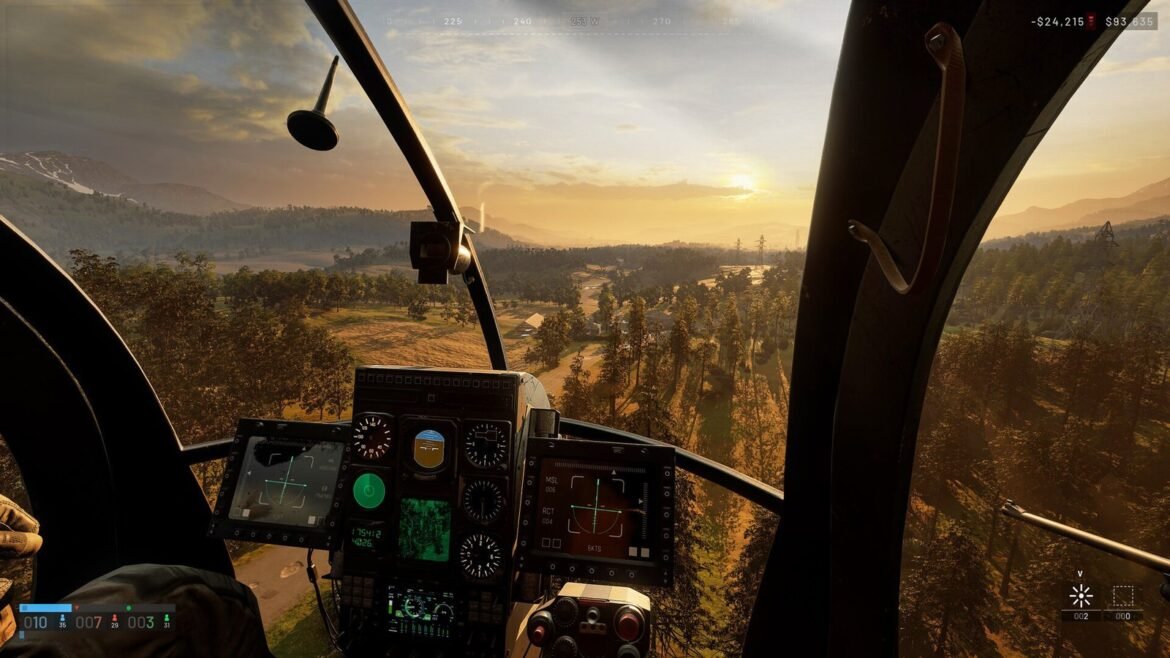
Before buying Wardogs or jumping into a 100-player match, it’s worth knowing whether your machine can keep up. Here are the official specs published by Bulkhead on Steam, what they mean in practice, and the options if your PC falls a little short.
Minimum and recommended specs
| Component | Minimum | Recommended |
|---|---|---|
| OS | Windows 10 64-bit | Windows 11 |
| Processor | Intel Core i5 8600 / AMD Ryzen 5 3500 | Intel Core i7 12700K / AMD Ryzen 7 5700X |
| Memory | 16 GB RAM | 16 GB RAM |
| Graphics | NVIDIA GTX 1660 / AMD RX 590 | NVIDIA RTX 3070 / AMD RX 6700 XT |
| Storage | 50 GB available | 50 GB available |
| Network | Broadband connection | Broadband connection |
| Stated target | 1080p Low at 60 FPS (with upscaling) | 1440p Medium at 70 FPS+ (native) or 4K Medium at 60 FPS+ (with upscaling) |
What it means in practice
- 16 GB of RAM, even at minimum. That’s the point that surprises people most. With 8 GB, you’re below the official spec.
- The minimum relies on upscaling. The 60 FPS target at 1080p Low is given with upscaling on: on a GTX 1660, expect to use FSR or similar.
- Recommended targets native 1440p. With an RTX 3070 or RX 6700 XT, you can aim for 1440p Medium without cheating on resolution.
- The CPU matters. With 100 players, vehicles and buildables, a weak CPU limits FPS in heavy fights, even with a good graphics card.
How to tell if my PC can run Wardogs
- Press Windows + R, type
dxdiagand confirm: the System tab shows your CPU and memory, the Display tab your graphics card. - Compare with the table above. For newer cards or other brands, go by the range and generation rather than the exact name.
- Check free space: you need 50 GB, ideally on an SSD.
- Keep Windows and your drivers up to date before the first launch.
Your machine meets the specs but things aren’t smooth? Head to our guide to the best Wardogs settings to gain FPS without sacrificing visibility.
Outdated graphics driver: what to do
If the game, Windows or your graphics card app reports an outdated driver, don’t ignore it. Install the latest version from the official NVIDIA, AMD or Intel website or app, then restart your PC. Windows updates matter too: a launch crash, error WD-L020, came from a Windows 11 update and was fixed on the game side in update 0.1.2. If you still crash, verify the file integrity in Steam (right-click the game, Properties, Installed Files).
PC too weak: GeForce NOW
Wardogs has been available on GeForce NOW since its early access release, according to NVIDIA and Team17. The idea: the game runs on NVIDIA’s servers and you receive the picture as a stream. You use your own Steam copy of the game. Plans, prices and time limits change regularly: check the current offer directly on the GeForce NOW website before subscribing. You’ll need a stable connection, and the latency added by streaming is more noticeable in an FPS than in a management game.
Steam Deck, Linux, consoles: where things stand
- Steam Deck and Linux: Wardogs is announced for Windows only and uses the Elytra anti-cheat, which runs at kernel level. This type of anti-cheat usually blocks Proton: don’t count on it for now.
- Consoles: the publisher has announced PS5 and Xbox versions for 2028. For now, it’s PC only.
- Steam Family Sharing: it’s disabled for Wardogs, each player needs their own copy.
Wardogs specs FAQ
What are the Wardogs minimum requirements?
Windows 10 64-bit, an Intel Core i5 8600 or AMD Ryzen 5 3500, 16 GB of RAM, a GTX 1660 or RX 590 and 50 GB of free space. Bulkhead then targets 1080p Low at 60 FPS with upscaling.
Does Wardogs run with 8 GB of RAM?
8 GB is below the official spec: even the minimum asks for 16 GB. The game may launch, but expect stutters and don’t count on a stable experience in a full match.
Which languages does the game support?
English is the original language; the interface is also translated into French, but there’s no French dub or subtitles according to the Steam page. The G4melab server is 100% French-speaking.
Is Wardogs on PS5 or Xbox?
Not yet. PS5 and Xbox versions are announced for 2028.
PC ready? Join the community: here’s how to join the Wardogs FR server, and if it’s your first match, read our beginner’s guide.